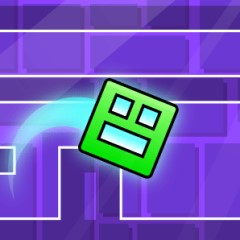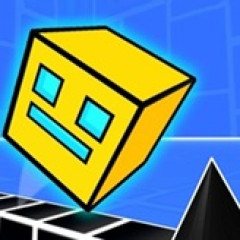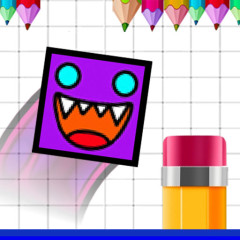
Geometry Dash Wave Editor is a creative game where you design intense wave levels. Build, test, and master unique challenges in your own style.
Geometry Dash: Wave Editor brings a refreshing twist to the iconic Geometry Dash universe. Instead of only dodging obstacles, you become the architect behind them. With an advanced editing toolkit, players can craft one-of-a-kind levels ranging from simple and relaxing to brutally difficult masterpieces.
If you enjoy precision, speed, and high-intensity challenges, the Wave mode will instantly hook you. Its demanding control style encourages players to master every movement, making it the perfect foundation for designing bold and inventive levels that push others to their limits.
Wave Editor gives you complete control over your creative vision. You can drag, place, and modify every element—waves, obstacles, layouts, backgrounds, and visual effects. Every detail is customizable, helping you shape levels that feel polished, logical, and visually appealing from start to finish.
After finishing your design, you can label your level as Easy, Normal, Hard, or Impossible. This system helps players prepare for the experience ahead and encourages creators to refine their design skills.
Some players even compare the addictive feeling of building levels to the sense of progression found in Geometry Dash Clicker, where every small achievement feels incredibly rewarding.
One of Wave Editor’s greatest advantages is instant accessibility. You can play directly in your browser without any installation, making it ideal for casual players and dedicated creators alike.
With a simple press of the Play button, you can instantly test your newly crafted level. This encourages a constant loop of experimentation, refinement, and improvement—ensuring your final design is enjoyable, challenging, and fair.
Use the mouse to perform all actions in the editor.
Its intuitive UI ensures that even beginners can start designing within minutes.